
 Download
Koru Screenshots
See the Koru application interface and its features.
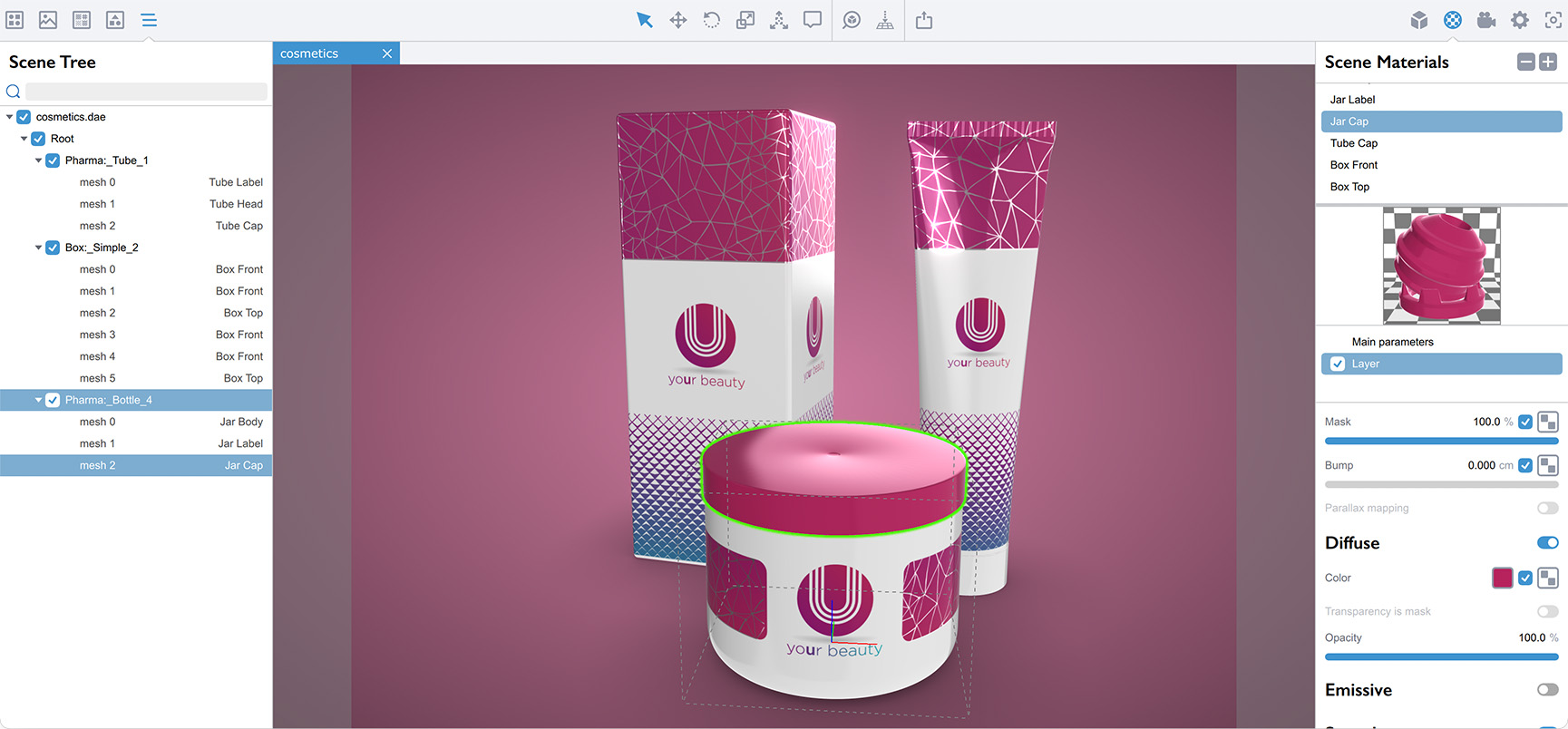
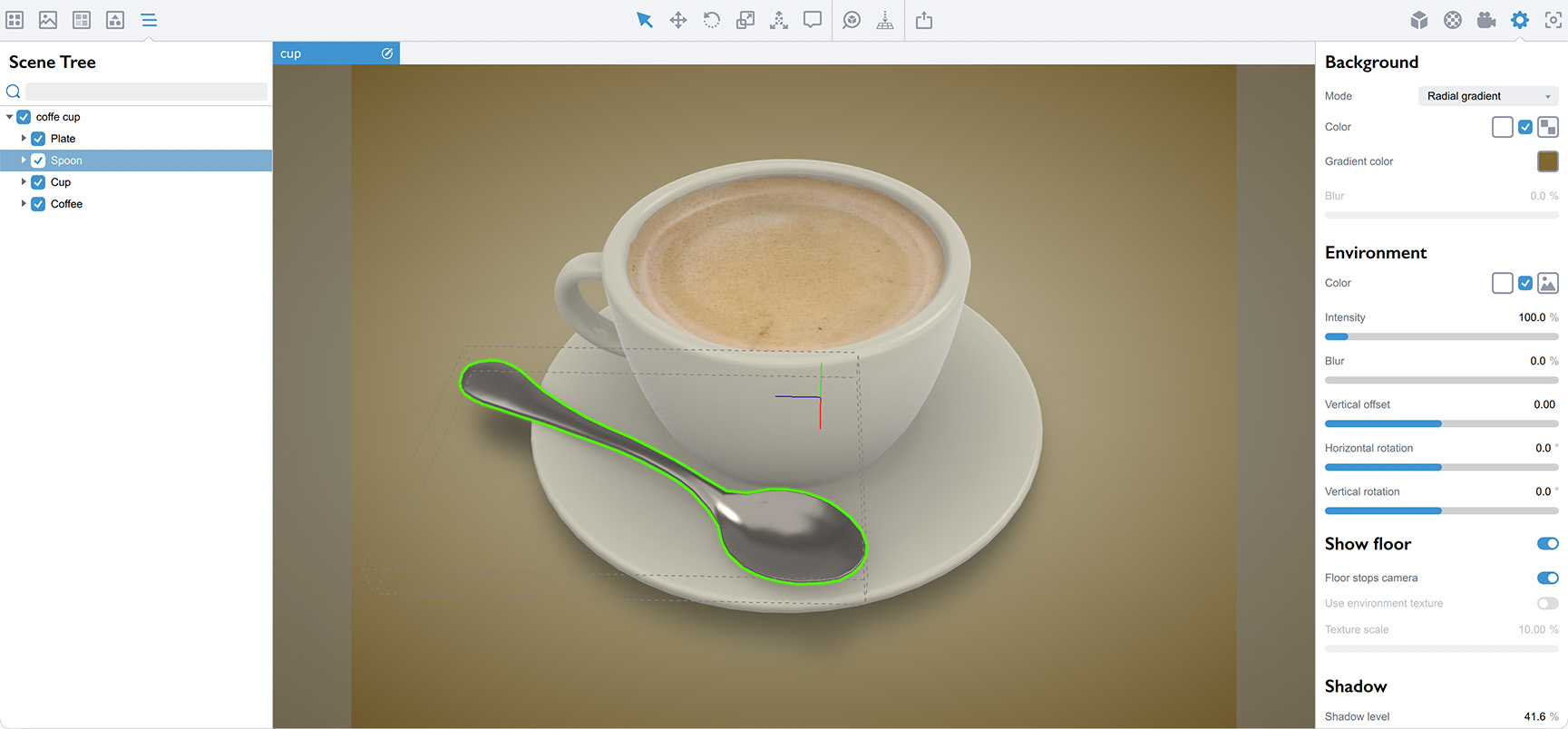
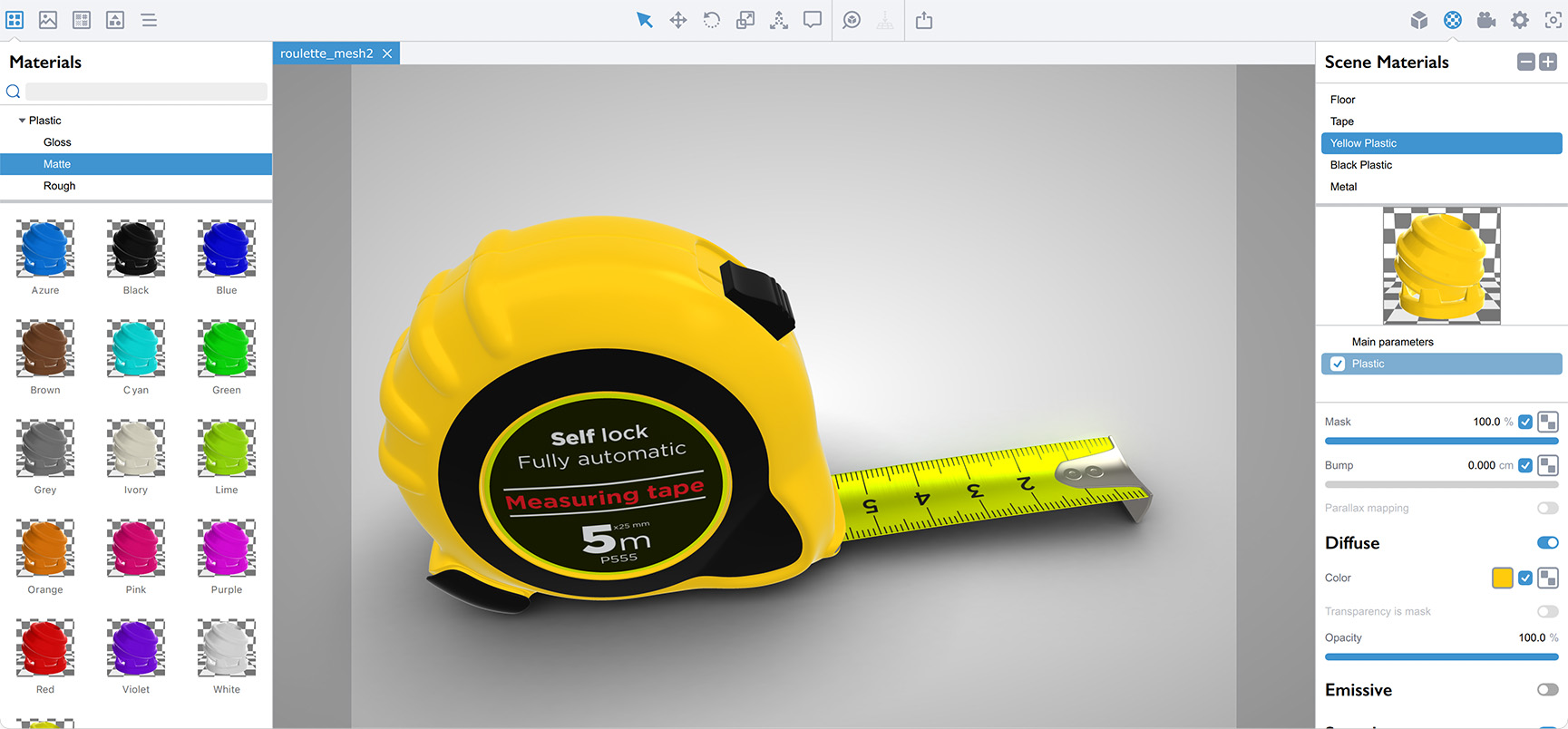
Koru features nice and simple user interface, same on Windows and Mac platforms.
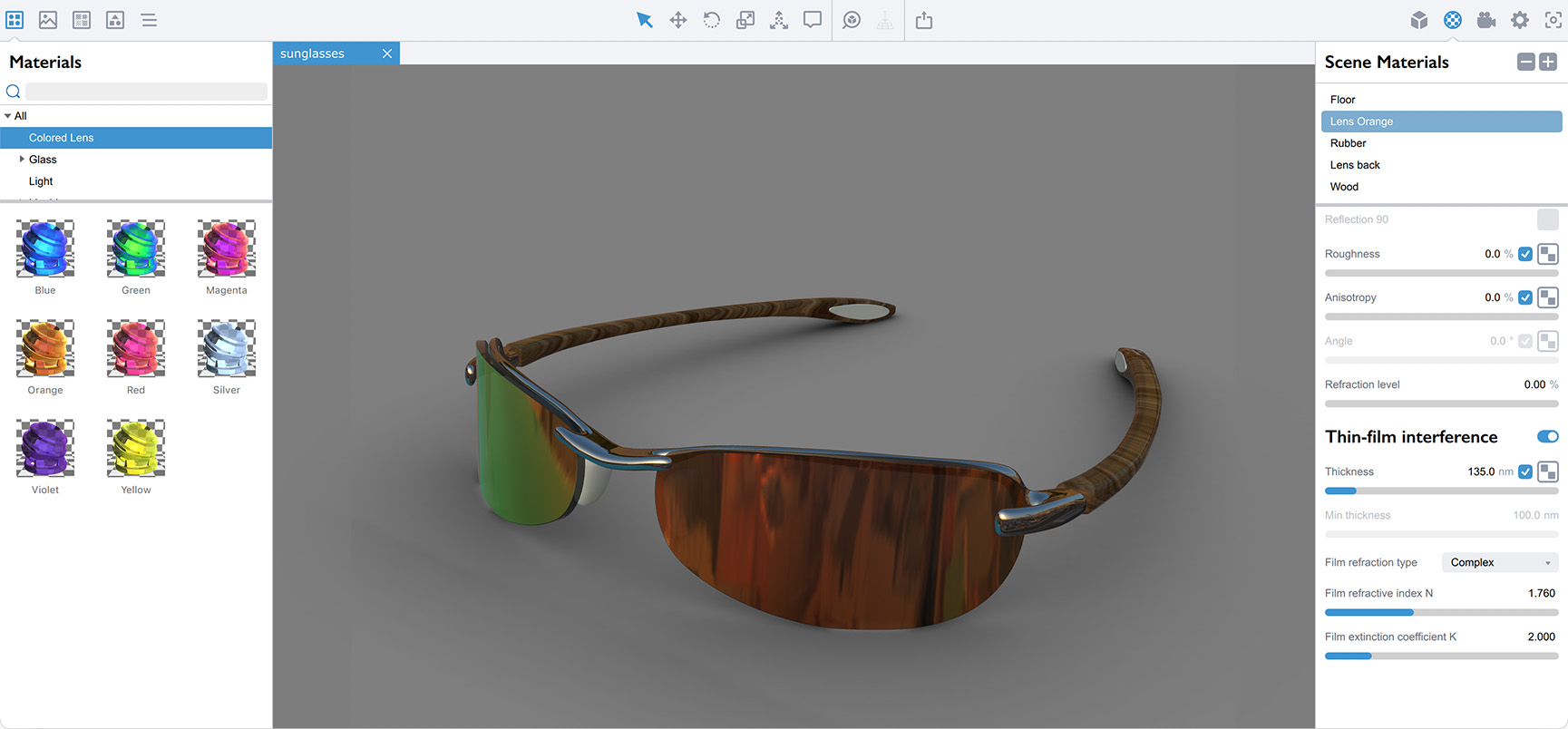
All the assets are organized on the left, all the parameters — on the right. Click the element you want to change, adjust its options and see the result immediately.
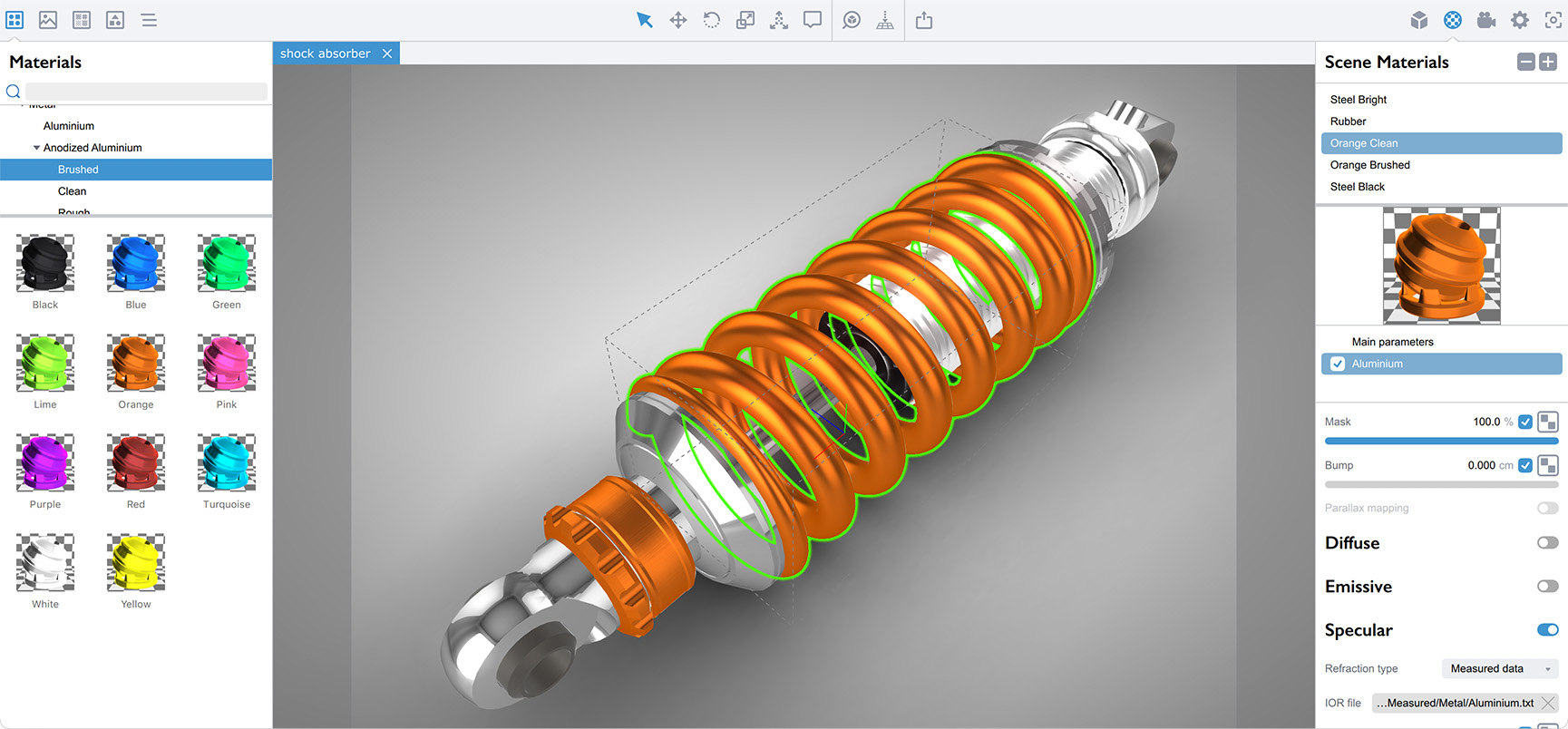
The scene you see in preview is exactly the scene your visitors will see in browser.
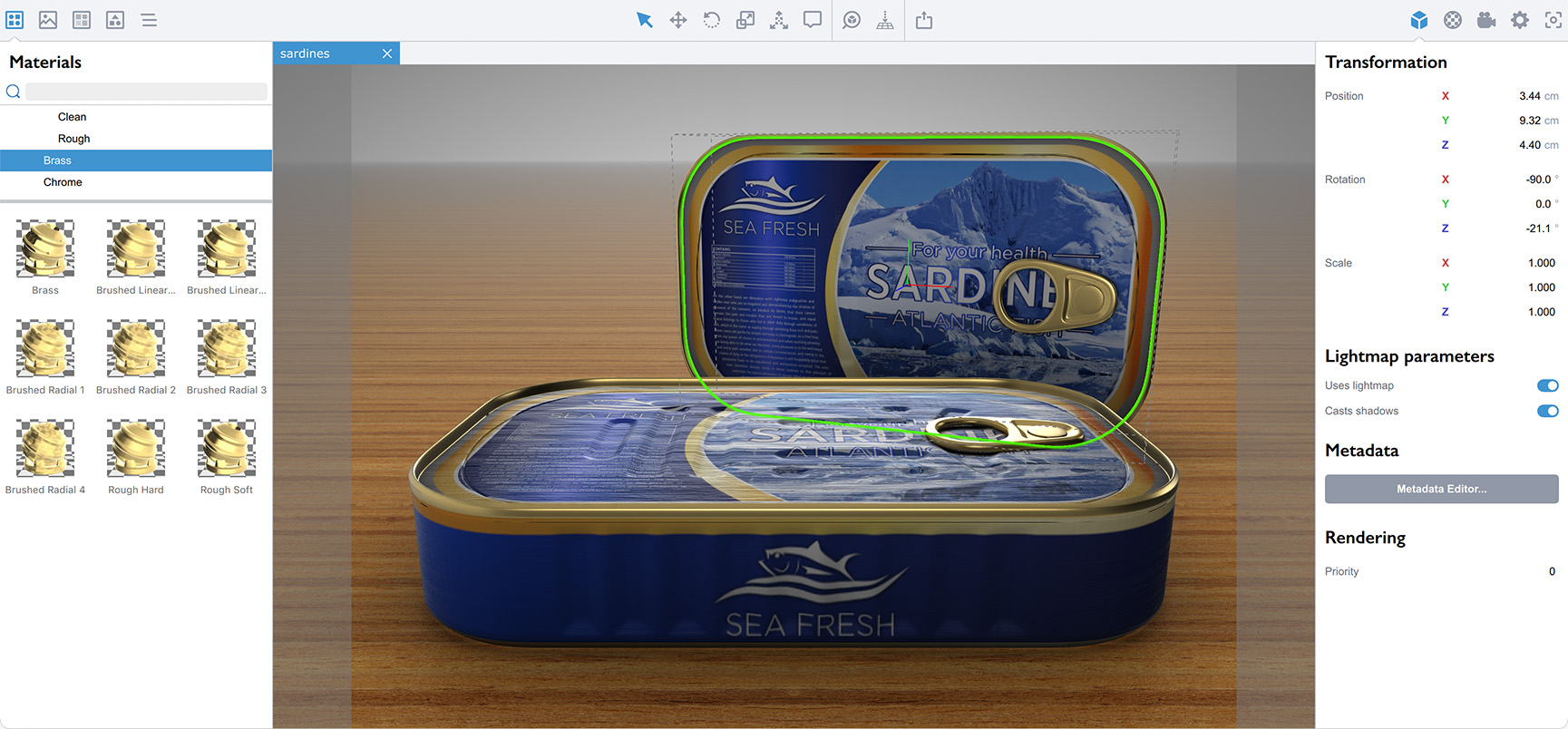
Set up custom environments, adjust camera angles to present your 3D models exactly as you envision them.
Configure HTML export settings, adjust templates, watermark and quality options before generating a shareable 3D presentation.
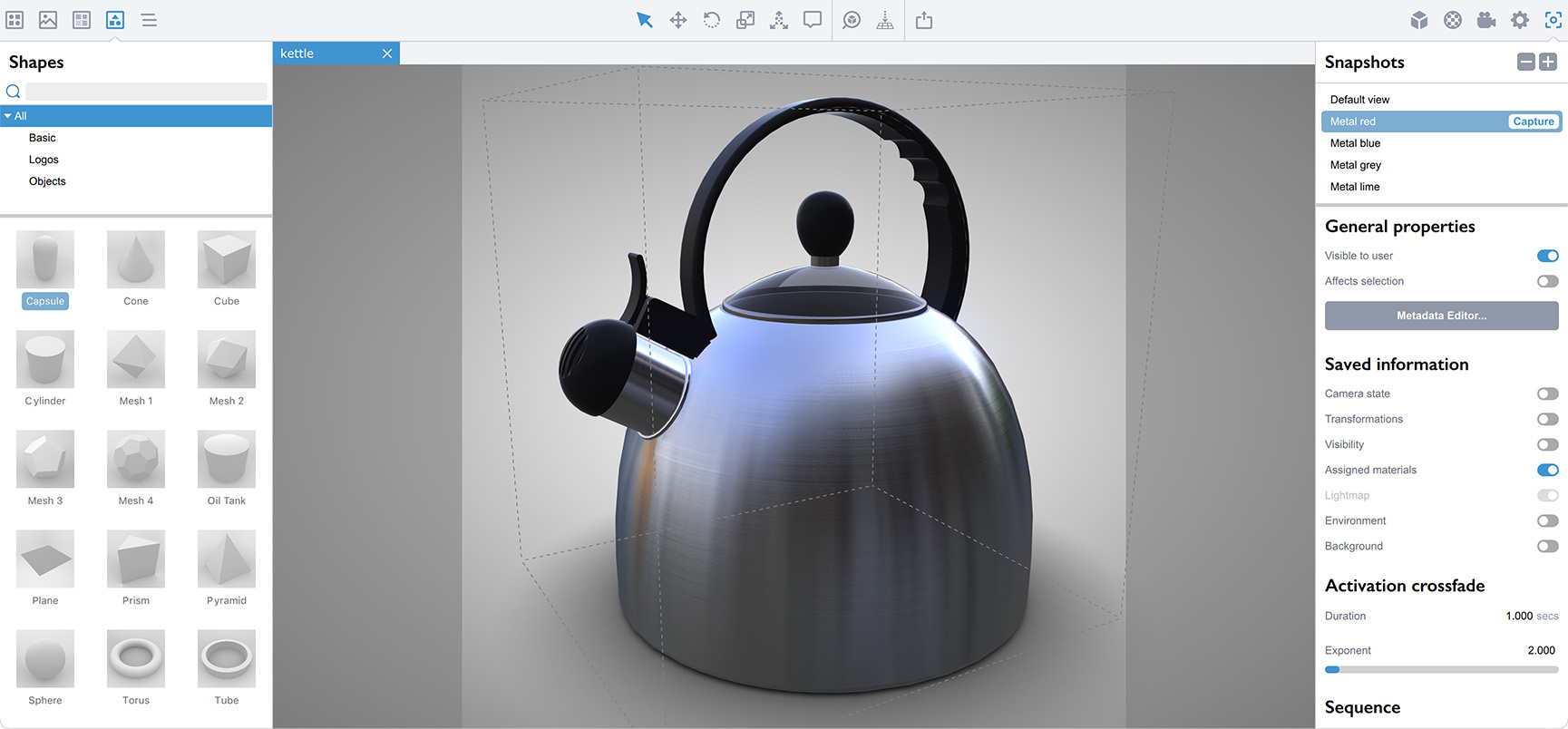
If you used 3D editors before, you’ll find yourself at home in a few minutes.
If not — it will take about the same time.
We did a great job of making the user interface powerful enough, while keeping it simple. You will like it.
Ready to try? Go to the Downloads page to get started.