
 Download
Koru
Create stunning 3D scenes for the web
Koru lets you build beautiful 3D product visualizations and export them as interactive HTML pages viewable in any modern browser — no plugins required.
What is Koru?
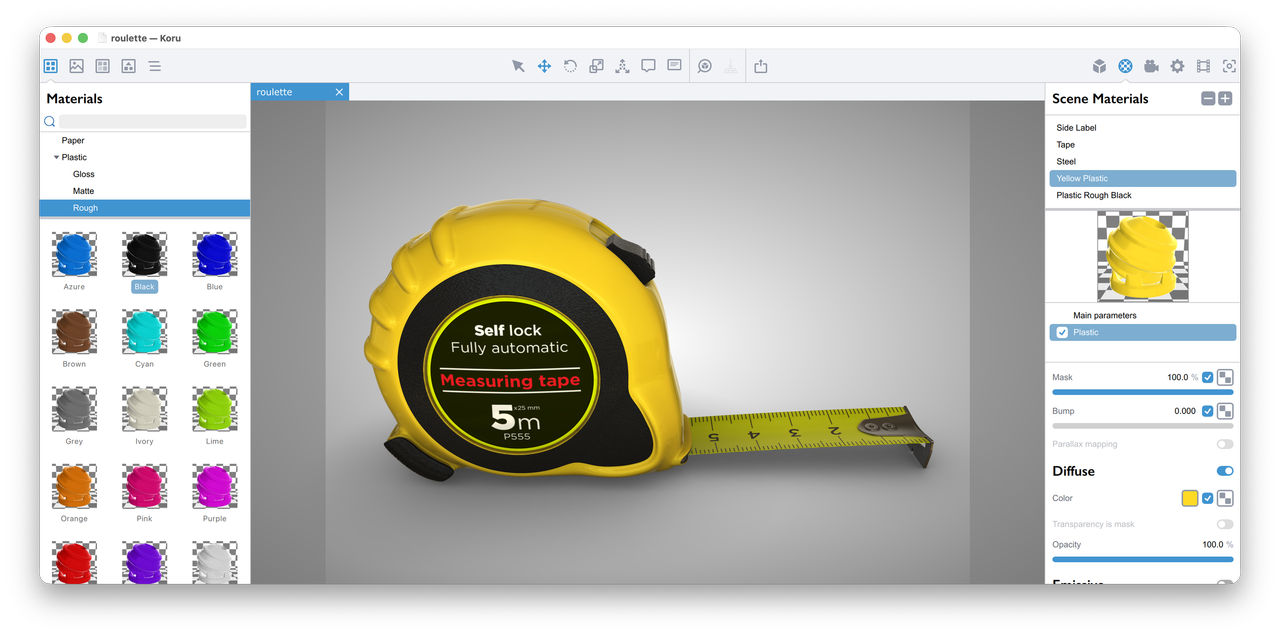
Koru is a desktop application for creating interactive 3D scenes that can be viewed in any web browser. Import your 3D models, set up the scene and apply materials, then export the entire scene as a standalone HTML page powered by WebGL.
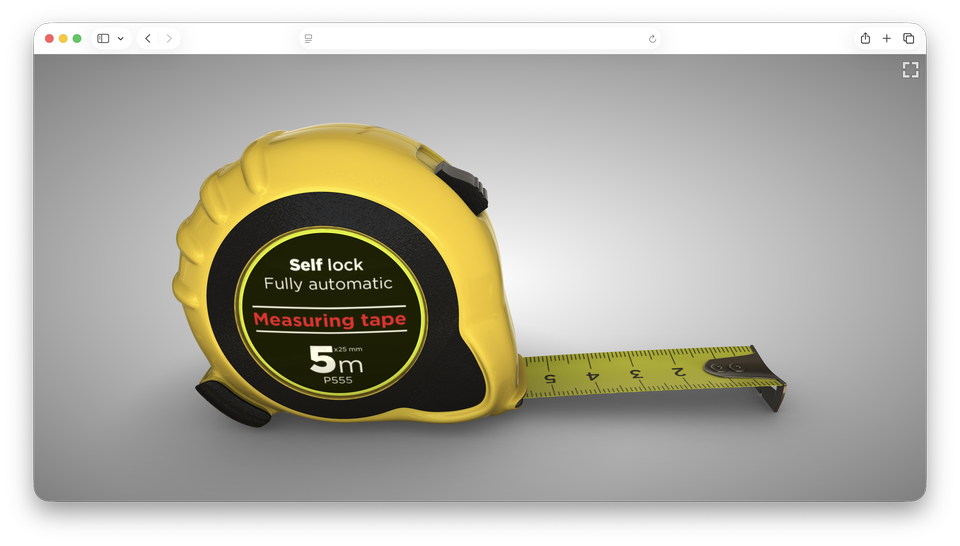
Your customers can rotate, zoom, and explore your products in full 3D — right in their browser, on any device, without installing anything.
Why Koru?
Everything you need to create professional 3D product presentations for the web, in one simple application.
Here are some reasons you might want to try Koru for your next 3D project:

Simple User Interface
We believe that you are busy enough to spend time learning yet another application, so we made a great effort to hide all the complexities behind the nice and clean user interface.

Materials Library
Koru comes with a large materials library, so you don’t need to start from scratch. This includes metals, plastic, paint, glass, wood, paper and more like hot foil or spot UV materials. Apply them with a single click.

Live Preview
Koru makes sure that your scene looks exactly the same in any browser as in Koru itself. All the materials and other scene controls are designed for WebGL export, so you get absolutely predictable results.

File Formats
Koru reads all popular 2D and 3D formats. For images, Koru reads color profiles, supports CMYK images and even reads PSD, AI and PDF files. HDR images are also supported.

HTML Export
Koru makes plain standalone HTML files with no dependencies. Export the file, upload it on your website and you are good to go!
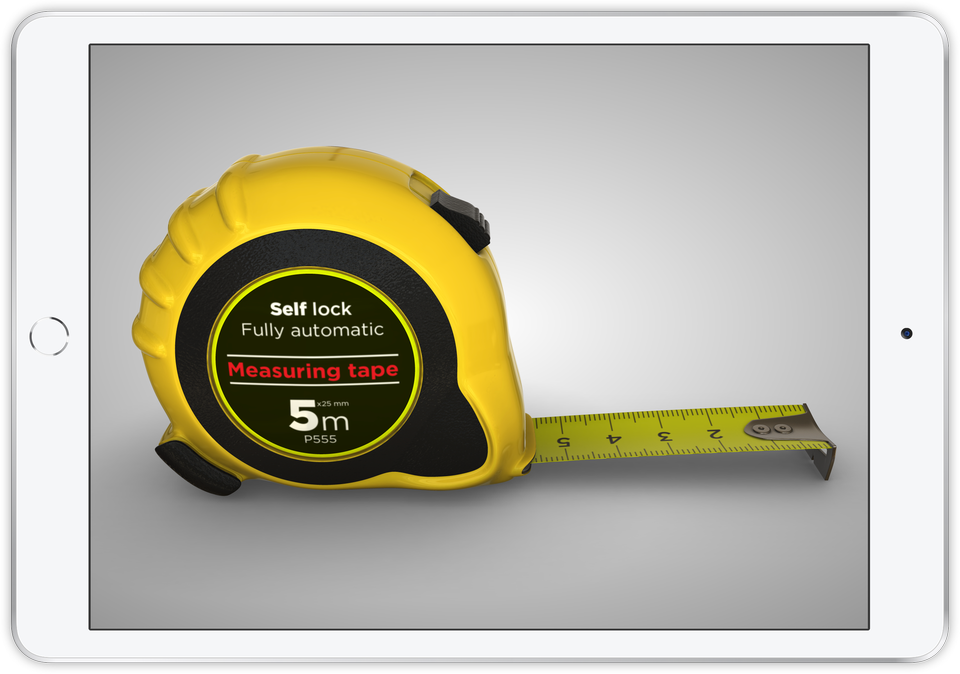
View 3D models on your computer, tablet or mobile phone with all the features, materials and animations you designed. It just works!
Ready to Try?
We provide a full–featured demo version of Koru, so you can try and decide if it fits your workflow.
Go to the Downloads page to get started.